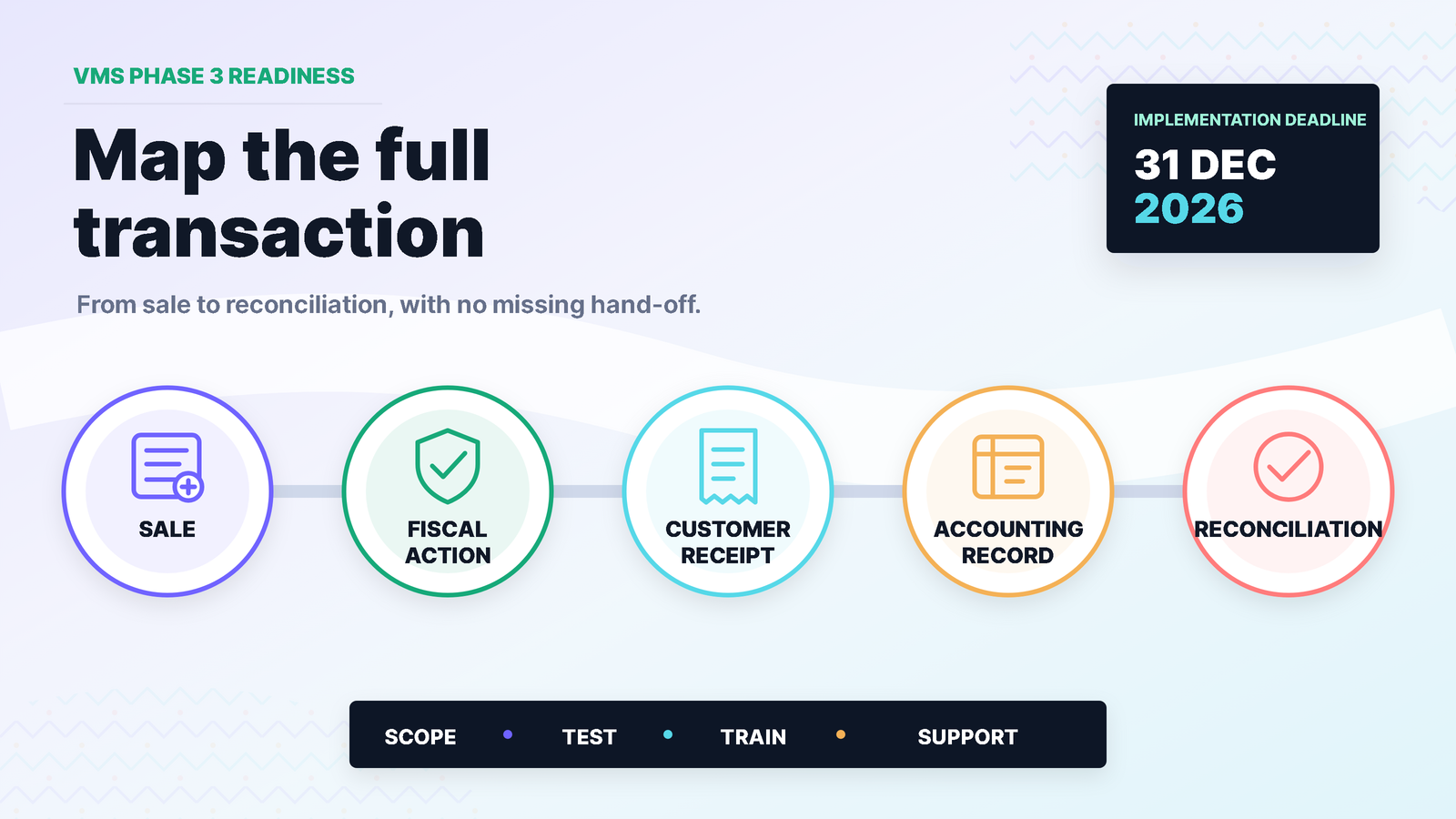
The deadline is still months away. That is exactly why now is the useful time to look at it.
FRCS's Electronic Fiscal Device Phase 3 notice lists 30 June 2026 as the registration date and 31 December 2026 as the implementation date for wholesalers, manufacturers and retailers. It also states that businesses with gross annual turnover of $50,000 and above are expected to comply with the stipulated timelines, subject to the notice and Gazette classifications. FRCS further says Version 2.0 will cease by 31 December 2026 as taxpayers and vendors move towards Version 3.0.
Those are official dates. What they mean for an individual business still depends on its classification, turnover, current registration, locations and systems. Businesses should confirm their obligations directly with FRCS or their tax adviser.
On the software side, however, one lesson is already clear: a fiscalisation project becomes risky when it is treated as a button added at the end of an otherwise unmapped sales process.
The real job is to make sure a normal sale—and the awkward sale that does not go to plan—can move through the complete workflow.
Start with the transaction, not the product name
Before discussing software, choose three transactions your team handles regularly:
- a straightforward cash or card sale;
- a credit sale or invoice to an account customer; and
- a correction, return, credit or cancelled transaction.
Trace each one from the first entry through to customer output, stock movement, accounting entry, payment and reporting. Write down which system is used at every step and where staff re-enter information.
This short exercise usually exposes the real scope. A business may discover that the counter sale is simple but returns are handled on paper, branch prices differ, customer tax details are incomplete, or daily totals are posted to accounts as one unexplained journal.
Fiscalisation has to sit inside that reality.
1. Confirm exactly which business and locations are in scope
Do not assume that one registration answer covers every company, branch or activity in a group.
Record:
- the legal entity and TIN;
- business activity and Phase 3 classification;
- annual turnover relevant to the FRCS notice;
- each trading location;
- current EFD or VMS registration status;
- the sales system used at each location; and
- the person responsible for FRCS correspondence.
If the classification or deadline is unclear, ask FRCS. A software provider can help map the technical environment, but it should not invent the statutory answer.
2. Clean the information that drives an invoice
A fiscal workflow cannot correct weak source data by itself.
Review the fields that affect a sale:
- item and service descriptions;
- prices and discount rules;
- tax codes and tax labels;
- customer names and tax details where required;
- units of measure;
- branch, terminal and user identifiers; and
- invoice and credit-note numbering.
Pay particular attention to free-text workarounds. If staff routinely change item descriptions, tax treatment or prices by typing over defaults, document when that is legitimate and who can approve it.
For MYOB-connected businesses, TAS's MYOB VMS readiness page sets out the software-side questions to review without treating TAS as the source of official FRCS advice.
3. Decide where the fiscal action occurs
The team should be able to answer one plain question: what does a staff member do after completing the sale?
That answer may differ by supported system and implementation. It could involve the accounting application, POS or another connected workflow. What matters is that the trigger, response and customer output are defined and tested.
FiscalSync is TAS's umbrella fiscalisation and transaction-sync platform. VMS for MYOB is the Fiji-specific application beneath it. The exact connection method, supported version, transaction flow and training requirement must be confirmed during readiness review; they should never be assumed from a marketing headline.
4. Plan for the transaction that cannot complete
Every implementation discussion should include exceptions before go-live.
Ask what happens when:
- the internet connection is interrupted;
- the fiscal service cannot be reached;
- an item or tax code is rejected;
- the customer details are incomplete;
- a receipt must be reprinted;
- a transaction needs to be reversed or credited;
- a cashier repeats an action after a delay; or
- the accounting record and fiscal response do not agree.
Define what the user sees, what they are allowed to do and who receives the issue. “Call IT” is not a complete exception process. Staff need to know whether the transaction was accepted, whether it should be retried and how to avoid sending it twice.
5. Test the full day, not only one invoice
A single successful test proves very little.
Build a small test pack that reflects the business:
- normal taxable sale;
- any legitimate alternative tax treatment;
- cash and non-cash payment paths;
- account customer invoice;
- discount or price override;
- return, credit and cancellation;
- reprint or duplicate-prevention check;
- end-of-day totals; and
- accounting and stock reconciliation.
Use test data only. Do not place real customer information into a non-production environment unless the environment and access are approved for it.
The result of each test should be retained: input, expected result, actual result, reviewer and resolution of any difference.
6. Reconcile what the customer saw with what accounts received
A fiscal receipt, POS total and accounting ledger should tell the same commercial story.
Before implementation, decide how often the business will compare:
- number and value of sales;
- VAT or tax totals;
- cash, card and account payments;
- credits and cancellations;
- unsent, rejected or pending transactions; and
- postings to sales, tax and debtor accounts.
Daily reconciliation is particularly important during rollout. It catches configuration and user issues while the team can still remember what happened.
If your current sales and accounting records depend on duplicate entry, TAS's accounting and POS workflow guide is a useful starting point for mapping the hand-off.
7. Train by role
The cashier does not need the same training as the finance manager or system administrator.
Prepare short role-based sessions:
- sales staff: complete, retry, reprint and escalate;
- supervisors: approve exceptions, credits and overrides;
- finance: reconcile totals and investigate differences;
- administrator: manage authorised users and configuration; and
- management: review readiness, unresolved risks and support coverage.
Give staff a one-page operating guide with screenshots from the real approved system only. Do not train from a sales mock-up that behaves differently from production.
8. Put ownership and dates around the work
Turn the project into a short readiness schedule:
- confirm scope and official requirements;
- map current transactions and locations;
- clean customer, item and tax data;
- confirm the supported technical path;
- configure and test;
- train users and supervisors;
- run reconciliation and exception drills; and
- approve go-live with support coverage in place.
Allow time between testing and implementation. A deadline is not a sensible first day for users to see the finished workflow.
What about the announced EFD tax incentive?
The 2026-2027 Budget Supplement says a 150% tax deduction will be introduced to support the installation, implementation and operation of EFDs.
Treat that as an announced measure until the enacted rules and FRCS guidance are confirmed. Do not select a system because of an assumed deduction, and do not budget a tax saving before confirming eligible expenditure, dates, documentation and taxpayer circumstances with FRCS or a qualified adviser.
The system still has to fit the business and work reliably.
Readiness is a working process, not a certificate
The best outcome is not simply “VMS installed”. It is a normal sales day in which staff know what to do, records agree, exceptions are visible and support is reachable.
TAS can help map accounting-connected sales and POS workflows, assess a FiscalSync or VMS for MYOB path, plan testing and train users. TAS does not provide official FRCS determinations or guarantee compliance; businesses remain responsible for confirming their obligations and using the appropriate approved path.
Sources
- Fiji Revenue and Customs Service, FRCS confirms Electronic Fiscal Device Phase 3 timelines, last updated 4 February 2026.
- Fiji Ministry of Finance, 2026-2027 Budget Supplement, June 2026.